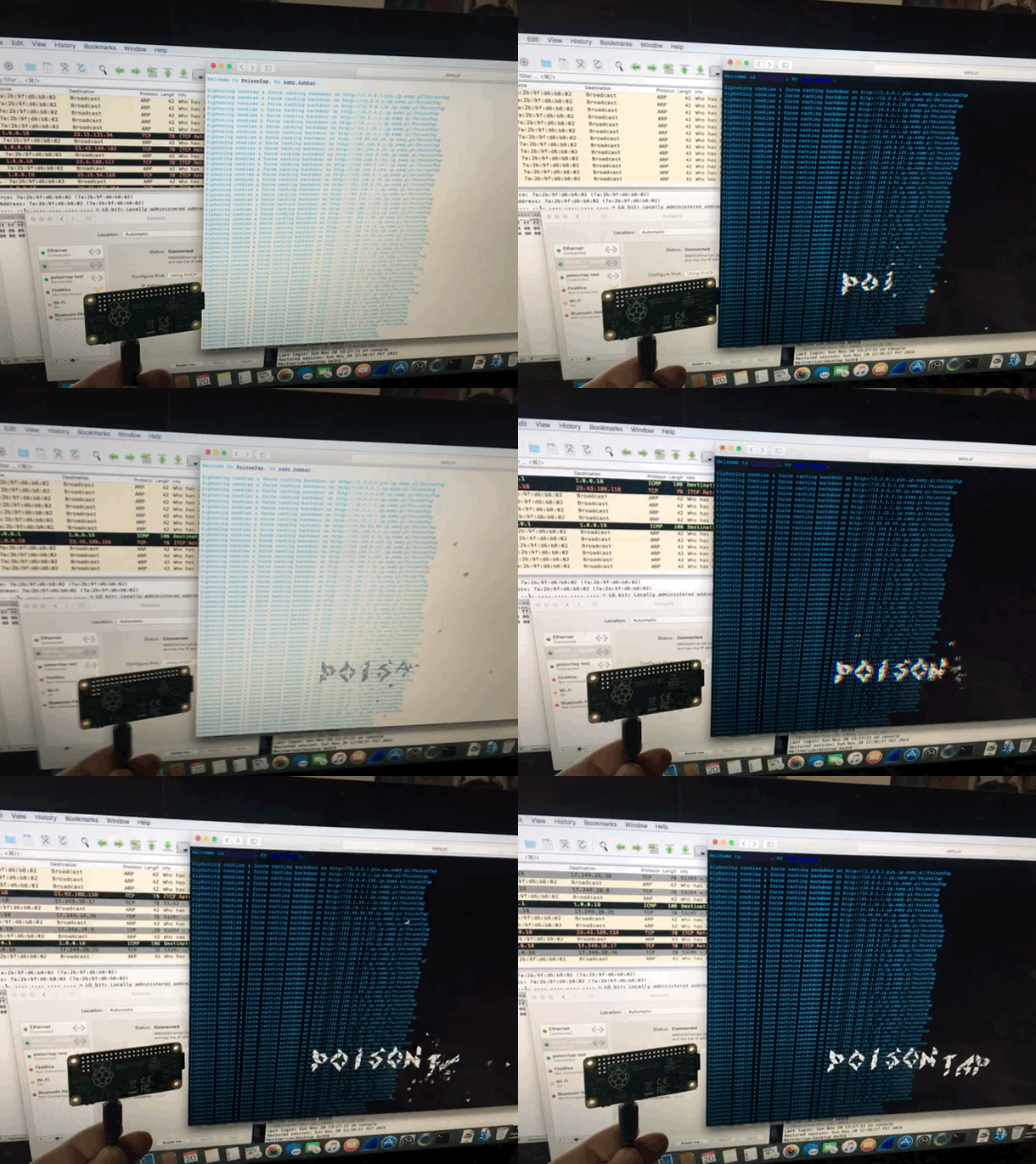
Played with PoisonTap network hijacking tool

Poison Tap in Action

@SamyKamkar made an impressive and terrifying tool.  This simple USB device steals your cookies, poisons your cache, and even persists a web backdoor.  On a locked machine no less!  It depends much on the trust that our computers take for granted.  Trusting a USB device is not up to no good.  Trusting the local network not trying to confuse. We must reexamine this trust going forward.  It didn’t take long to get it up and running, however once you do, you can spend hours tinkering.  (i was working to combine it with @mubix’s work here)

I am also delighted to have my first Raspberry Pi as a USB device rather then host.  it is certainly exciting to create some new doodads using this dangerous toolkit.

UPDATE

I have since made a version without the cache attack.  I completely failed to steal the poisontap visuals, but TheCodePlayer offers offered a delightful matrix animation.  next step is to man in the middle ssl too.  I’m turning it into a device that logs everything while connected, but doesn’t persist.

Mac Pro takes a dive. There went my Sunday.

I return to my computer after letting it idle to this maelstrom. Pinwheel of death to 11!  Luckily I was left with at least one tool in my belt. Initial signs point to Disk I/O but with SSD??  Sometimes I feel like the cobbler with no shoes.  no such thing as a day off.

Mac Pro - Force Quit Window

UPDATE! – It was drive related, but not my boot drive. Apparently all this was caused by file system corruption on an external drive. it’s not that it wasn’t in use, but that drive was certainly not in use by all of these applications.  It was a drive that contains large files that don’t require especially high performance (like my bitcoin blockchain).  I must now give a shout out to DiskWarrior for saving my Sunday.

Defcon 2016 photos and videos

Close ups of my much coveted badge.  Some hardware and base stations of the wifi village.  Both Information Society and Berlin played on Saturday night!  Shot a video of an amazing demo from the Car Hacking Village.  A car modified to play games instead of driving.  Also, the best of my flight home.  Some great pictures of Hoover dam and some of the solar farms and mesas as we few home.

defcon 2016 badge closedefcon 2016 badge chipdefcon 2016 wifi villagedefcon 2016 wifi village 2 
Continue reading “Defcon 2016 photos and videos”

We’re gonna need a bigger boat!

Gunna Need A Bigger Laptop

It is rare occasion that I need actual processing power on my laptop.  It usually is just for testing or acting as a middleman.  I have some very heavy metal at my office as well as hosted online that I use when i need to get some serious think on.  That said, right now watching two threads peg remind me that this machine is getting old.  Luckily the thinking is nearly done.

End of an era! cydia.be3n.com shuttered after 7+ years!

In truth, I haven’t touched it in years.  I haven’t even touched cydia recently. Sadly, all this work would only be useful for someone with an original or 3g iPhone. Apple certainly doesn’t support those devices anymore.  Does anyone still use them?  Unfortunately, my ISP insists that I remove the content.  After 7 years of hosting it, they realized it violates TOS.  I should check the logs.  I wonder if it will even be missed.  People say the internet never forgets.  Sometimes it is quite the opposite. For nostalgias sake, I left the instructions site up: http://cydia.be3n.com/ (at least that does’t violate Dreamhost TOS).  For the record, much of my work continued support well into iOS 4.

cydia.be3n.com site

. . . Maybe it will rise again on S3?

Making myself useful in the ER

Forest needed a trip to the emergency room. While waiting, I noticed a video game system in a children’s area. It’s screen frozen on an error message while a tiny table full of kids try to share a single smart phone. I was able to bring it back to life with only a little tinkering.  Now the kids have a Wii U to fight over!

Power Nap drops my watts to the floor!

I finally ensured that all of the background tasks on my primary desktop would quite literally run in their sleep.  Now I can leave it asleep a majority of the time.  I am continually impressed with the energy efficiency of the new MacPro. The wattage depicted represents not just my slumbering beast, but several small appliances as well (including two Raspberry Pi).  Getting a bit greener.

15 Watts  APC Display